Look around before you join a camp
Getting startedYou can use most of the platform without a camp. Here's what's open, what needs a camp, and how to join or set one up when you're ready.
You don’t need a camp to use The Safety Navigator. Once you’ve added your name and picked what describes you, most of the platform is open. A camp adds the parts your team shares: the risk assessment, the safety roadmap and the tools around them.
Who this is for
- Camp Staff waiting on a code from their director, or who want to see the platform before setting their camp up.
- Anyone who picked Safety Professional or Volunteer / Parent, who goes straight into the platform after signing up.
Go in without a camp
If you chose Camp Staff, the Let’s Find Your Camp screen offers a third way under the two doors: Not ready to join or set up yet? Look around first. Choose it, and after a few seconds of setting up your account you’re on your Home page.
If you chose another role, you go straight in after Set up my account.
What’s open to you
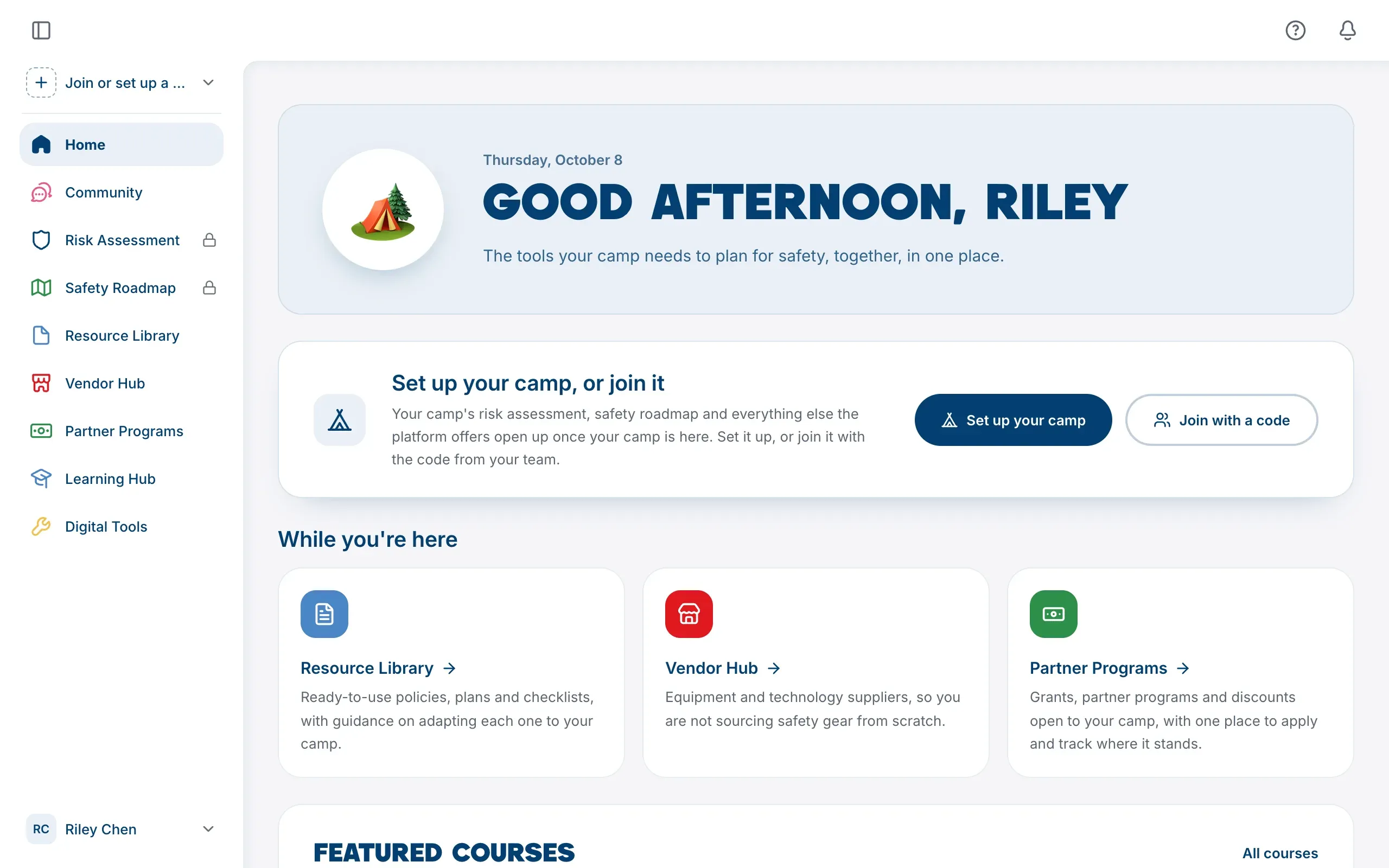
- Home, with a greeting, a card about getting your camp onto the platform, and things to start with. What it shows depends on the role you picked.
- Community, the forums for camp people.
- Resource Library, to read and download policies, plans and checklists.
- Partner Programs, to browse grants, programs and discounts and read their details.
- Learning Hub, for short courses on camp safety.
- Vendor Hub, once it opens.
- Help and feedback, and this Help Centre.
What needs a camp
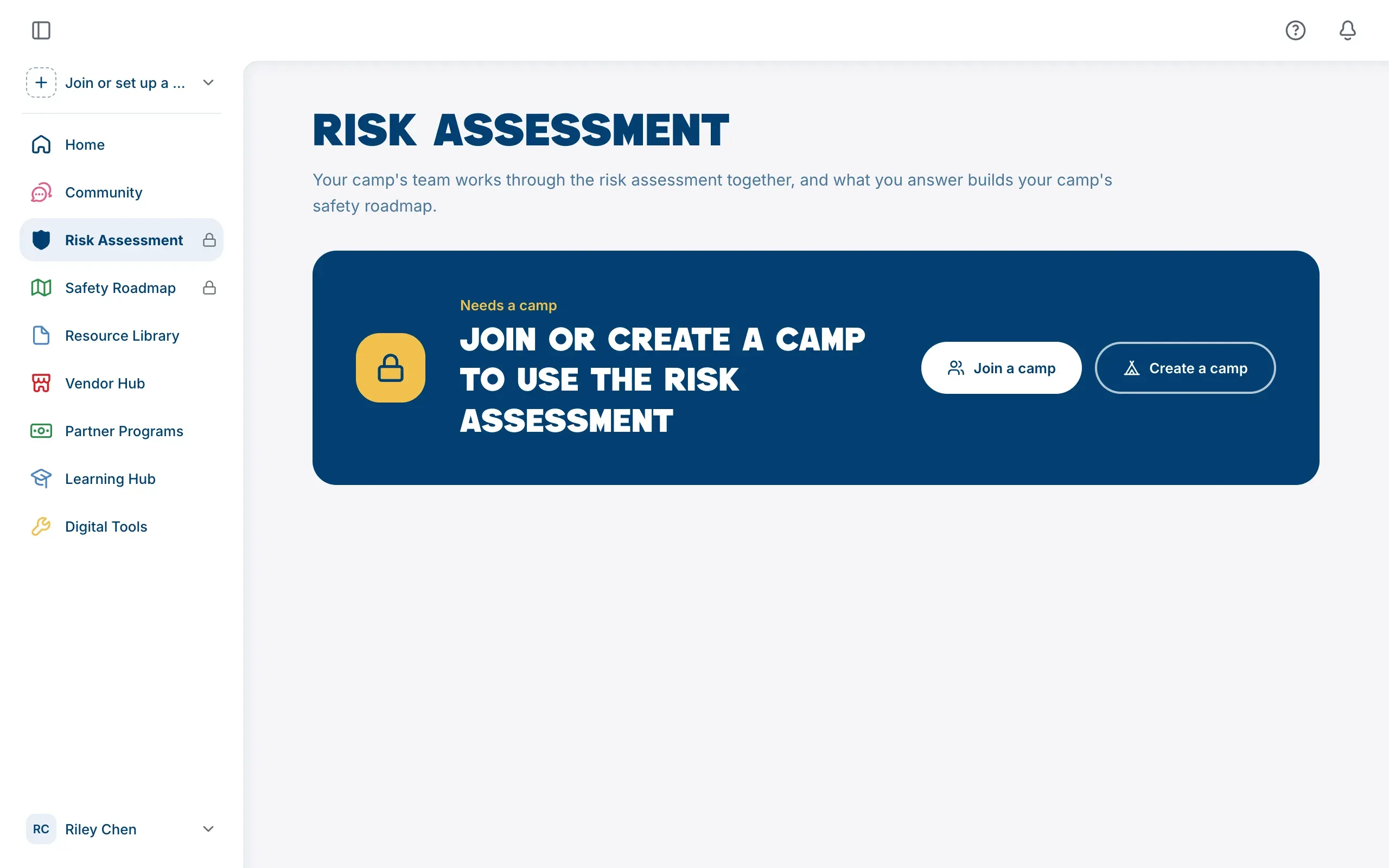
In the sidebar, Risk Assessment and Safety Roadmap carry a small lock. You can still open them: the page says what a camp would give you there and offers Join a camp and Create a camp.
A few things inside pages that are otherwise open also need a camp:
- Applying to a partner program. You can read every program, but an application belongs to a camp.
- Seeing which resources support your camp’s controls in the Resource Library. Without a camp there are no controls to match.
- Camp Profile and Camp Settings, which belong to a camp.
Join or set up a camp when you’re ready
Open the camp menu at the top of the sidebar. With no camp it says Join or set up a camp:
- Join a Camp if someone has given you a six-character code. See Join your camp with a camp code.
- Create a Camp if nobody has added your camp yet. Anyone can set one up, and doing so adds Camp Staff to your roles. See Set up your camp.
You’ll also find Set up your camp and Join with a code on your Home page.